OG Image Generator.
Five templates rendered at 1200×630 by a real browser — full CSS, real fonts, real shadows, not a JSX-to-SVG subset. No signup, no watermark. Pick a template, fill the fields, hit Generate.
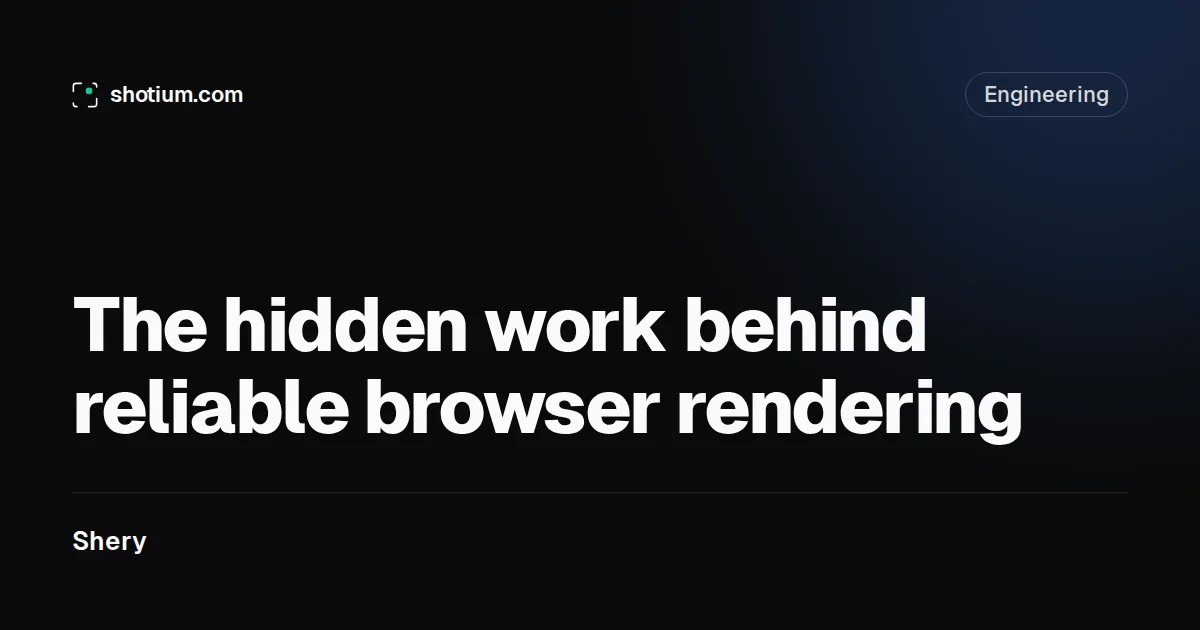
Large headline with author byline — for articles and posts.
Remote image fields are available through the authenticated API.
What is an Open Graph image?
An Open Graph image is the picture a platform pulls from your page's og:image meta tag when someone shares the link. X, Facebook, LinkedIn, Slack and Discord all read it. Without one, your link renders as bare text — and bare text gets scrolled past.
The protocol dates back to 2010, when Facebook introduced it so shared links could look like something. Today it's the closest thing the web has to a universal preview format: social networks, chat apps and messengers all resolve the same handful of meta tags. On most feeds the image takes more screen space than your headline and description combined. That's a lot of leverage for one line of HTML.
Why 1200 × 630 pixels?
1200 × 630, a 1.91:1 ratio, is the size Facebook documents as ideal. It also happens to be the one size every other platform handles well. X crops summary_large_image cards to 2:1, close enough that nothing important is lost. LinkedIn documents 1200 × 627, a single pixel row apart. Below 600 × 315, Facebook downgrades the card to a small thumbnail.
File size matters less than most people think, but the ceilings are real: X rejects images over 5 MB, Facebook over 8 MB. A reasonably compressed PNG at 1200 × 630 lands somewhere between 50 and 300 KB, nowhere near either limit. Everything this generator produces is exactly 1200 × 630.
What each platform reads
| Platform | Reads | Behavior |
|---|---|---|
| X / Twitter | twitter:* first, og:* as fallback | summary_large_image renders 2:1; without a twitter:card tag, X still builds a card from OG tags |
og:* only | Below 600 × 315 the card degrades to a thumbnail | |
og:* | Caches hard; refresh with its Post Inspector | |
| Slack | og:* | Unfurls below the message; caches previews aggressively |
| Discord | og:* plus twitter:card | summary_large_image switches the embed to full width |
Which template fits which page?
- Blog Post — big headline, author byline. Articles, docs pages, changelog entries.
- Product — split layout with a screenshot slot and a price pill. Product pages and release announcements.
- Event — date-forward. Launches, meetups, webinars — anything people can miss by being late.
- Podcast Episode — cover art beside the episode title, with a CSS waveform. Episode pages and show notes.
- Minimal — a headline on pure black. For when the words carry it.
The mistakes that break social cards
- Relative image URLs. The image is fetched out of context, and some crawlers simply won't resolve a relative path. Give them a full
https://URL. - Stale platform caches. Platforms snapshot the card the first time a URL gets shared. Update the image later and the old card sticks around until you force a re-scrape or change the URL.
- Missing
og:image:widthandog:image:height. Without declared dimensions, the very first share of a fresh URL can render with no image — the crawler fetches it asynchronously and gives up on the current render. Declare both and the first share renders complete. - Files too large. Past the platform ceilings (5 MB on X, 8 MB on Facebook) the image is silently dropped.
- SVG. Most platforms won't render an SVG
og:image. Stick to PNG, JPEG or WebP. - Tags injected by JavaScript. Social crawlers read raw HTML and do not execute scripts. If your framework adds meta tags client-side, crawlers see none of them. Paste your URL into the Open Graph checker to see what they actually get.
Wire it into your page
Download the image, host it anywhere public, and reference it from the page head:
<meta property="og:image" content="https://example.com/og.png" />
<meta property="og:image:width" content="1200" />
<meta property="og:image:height" content="630" />
<meta name="twitter:card" content="summary_large_image" />
Then run the URL through the checker to confirm what crawlers see.
Frequently asked questions
Is this OG image generator really free?
Yes. No signup, no watermark, no card. An hourly per-IP cap and a daily rendering budget keep it available for everyone. Hit either limit and signing up gets you 100 renders of your own.
Do I need an account to download images?
No. Pick a template, fill the fields, hit Generate, download the PNG. An account only becomes useful for automation: an API key and signed URLs that re-render the image whenever your content changes.
What exactly does it output?
A 1200 × 630 PNG rendered by a real Chromium browser, the same pipeline behind the paid API. That size works across X, Facebook, LinkedIn, Slack and Discord. The API can also emit JPEG and WebP.
Can I put my own logo or screenshot in the image?
Not in the free tool. Remote image fields (logo_url, image_url, cover_url) are reserved for the authenticated API, where requests are tied to an account. Every text field is open here.
Why does a platform still show my old image?
Platforms cache the card from the first share. Re-scrape with Facebook's Sharing Debugger or LinkedIn's Post Inspector; X refreshes on its own schedule. Changing the image URL (a query string works) also busts the cache.
Can I automate one image per page?
That's the product. Put a signed URL in each page's og:image tag and the image re-renders whenever a signed parameter changes: new title, new price, new episode. CDN cache hits never touch your quota.
Does it watermark the images?
No. The free output is the production output: same renderer, same templates, nothing stamped on top.
og:image vs twitter:image — do I need both?
Rarely. X reads twitter:image first and falls back to og:image, so one og:image plus a twitter:card meta tag covers effectively every platform. Set twitter:image only when you want a different image on X specifically.
Stop regenerating it by hand
That preview used the same render pipeline as the API. In production, put a signed URL in your <head> and the image re-renders whenever a parameter changes — new price, new episode, new title. The signature keeps the API key private, and CDN cache hits never touch your quota.
No card required. Failed renders never bill, and nothing auto-charges.